Select a theme
Choose an unpublished theme and review its readiness before changing files.
 Nitro AI
Theme performance, under control
Nitro AI combines AI-guided theme analysis, minification, storefront optimizations, analytics, automation, and recovery in one merchant-friendly workflow.
Read documentationA controlled workflow
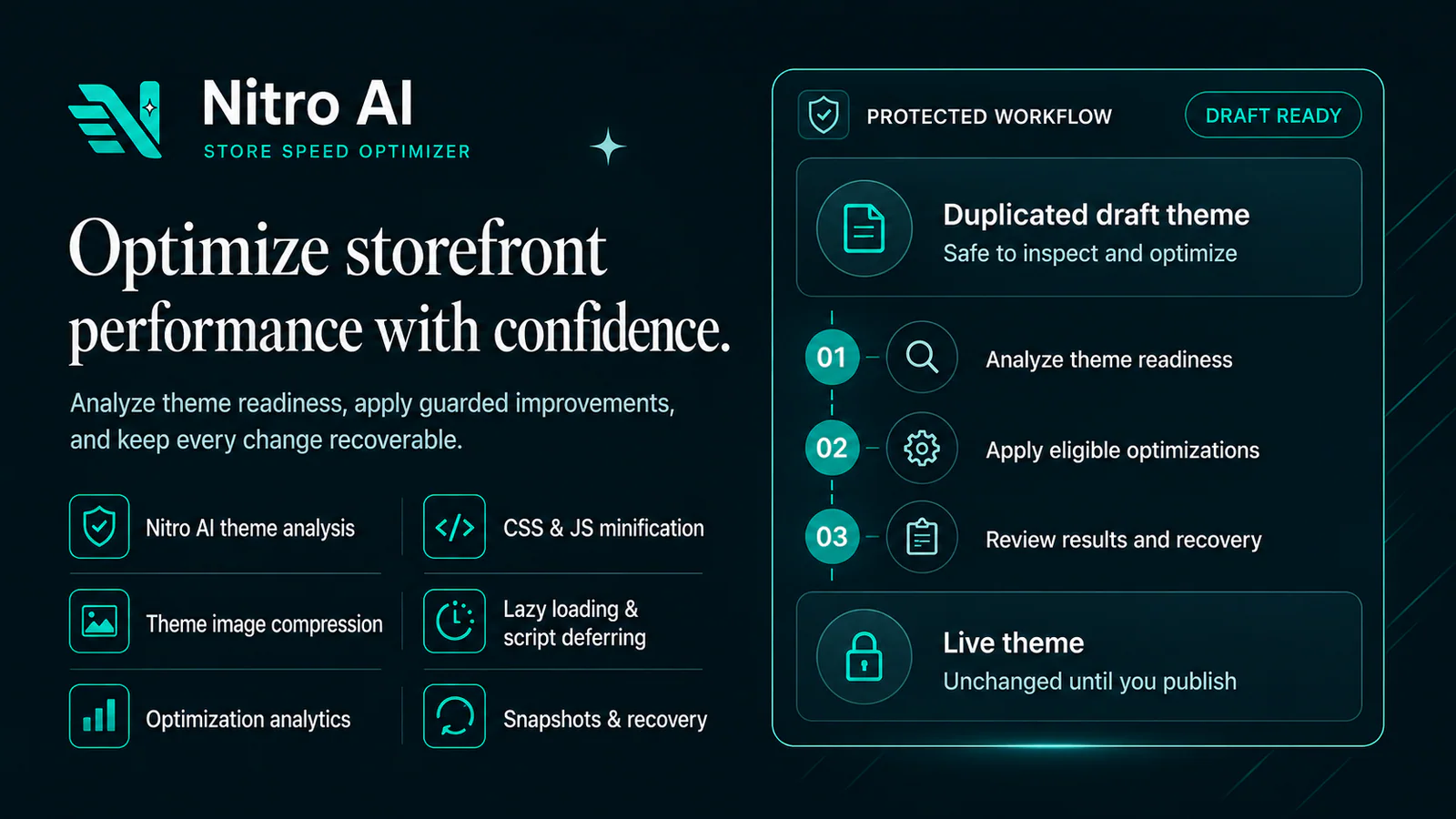
Understand what can change, what is already optimized, and what can be recovered while following one guided path from draft to publish.
Choose an unpublished theme and review its readiness before changing files.
Review AI readiness, savings estimates, optimization status, included capabilities, and recovery availability.
Run guided optimization or work file by file with server-enforced plan and theme checks.
Check results, preview in Shopify, and publish only when the optimized draft is ready.
Nitro AI at a glance
Move from draft-theme readiness to controlled optimization and measurable results without handing publishing control to the app.
Product tour
Explore the core merchant surfaces for readiness, optimization, file control, advanced capabilities, and reporting.
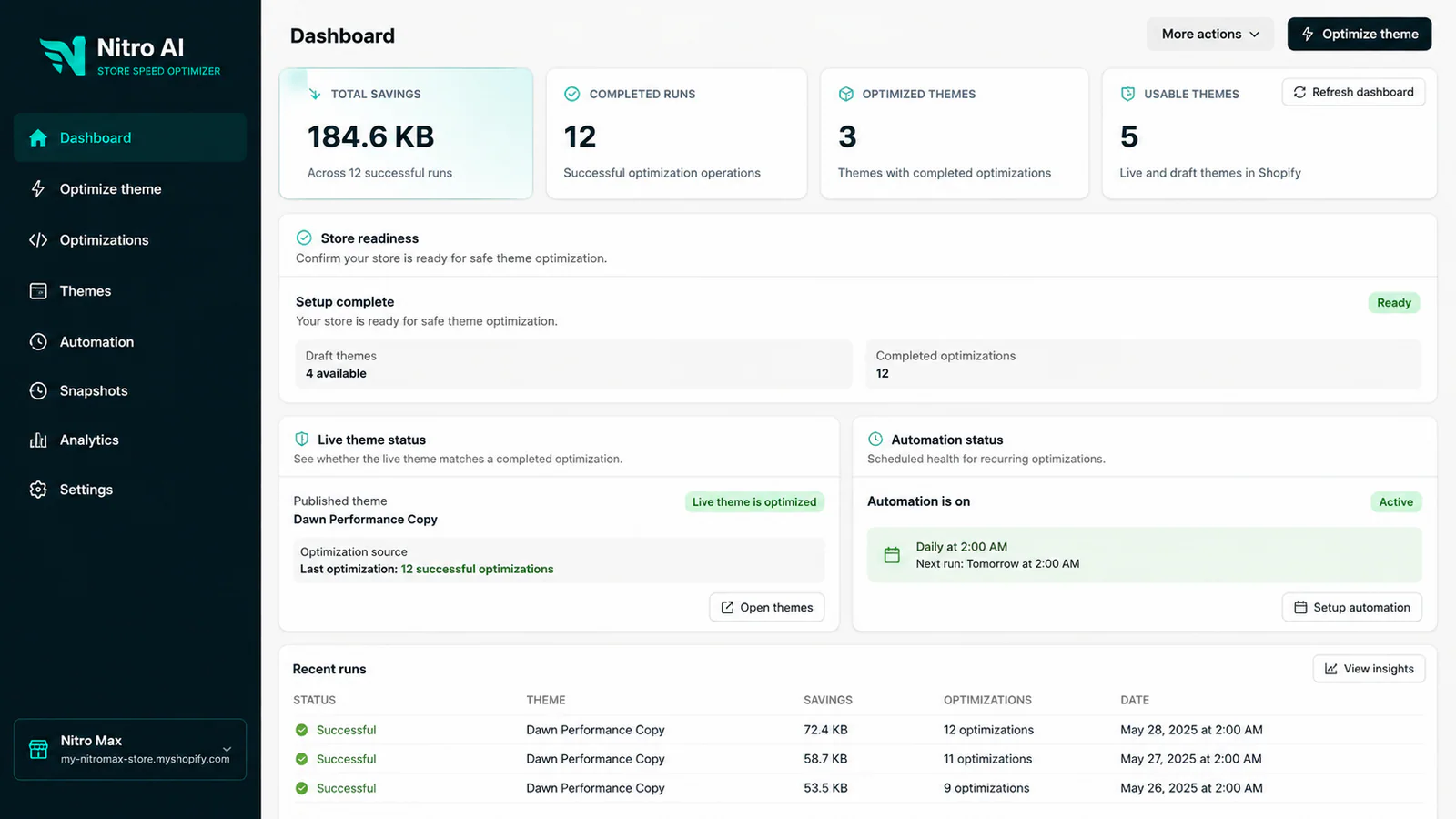
Review savings, completed runs, theme health, automation, and recent activity from one operational overview.
Core capabilities
Every capability clearly shows its availability, state, and next safe action.
Evaluate theme readiness, estimate file savings, classify optimization state, prepare one-click work, and surface actionable Analytics insights.
Minify eligible CSS and JavaScript manually or through the guided one-click workflow.
Manage lazy loading, resource preloading, script deferring, CLS stabilization, and image optimization by plan.
Review optimization activity, savings, failures, technical metrics, and theme history.
Schedule recurring optimization for eligible draft themes on supported plans.
Use manual revert and run recovery where safe snapshots are available.
Server-side access, theme-state, and allowance checks protect every mutation.
Safety by design
Nitro AI separates optimization from publication so merchants can inspect, preview, and recover changes before they reach shoppers.
Read recovery guidancePlans that scale
Shopify hosts plan selection and securely manages subscription payments.
Good for new stores
Best for growing stores
Full optimization suite
Common questions
No. The guided and advanced workflows are designed for eligible draft themes. Merchants review and publish through Shopify when ready.
Yes. File Workspace lets eligible merchants inspect, minify, and revert supported CSS and JavaScript files one at a time.
The app records the result, explains what needs review, and keeps recovery or retry actions available when they are safe.
Shopify hosts plan selection and manages subscriptions and payments. Nitro AI verifies the active plan before protected operations.
Prepare your next theme
Review Nitro AI on the Shopify App Store, then choose the plan that fits your workflow.
Returning merchant
Enter your myshopify.com domain to continue to the app.